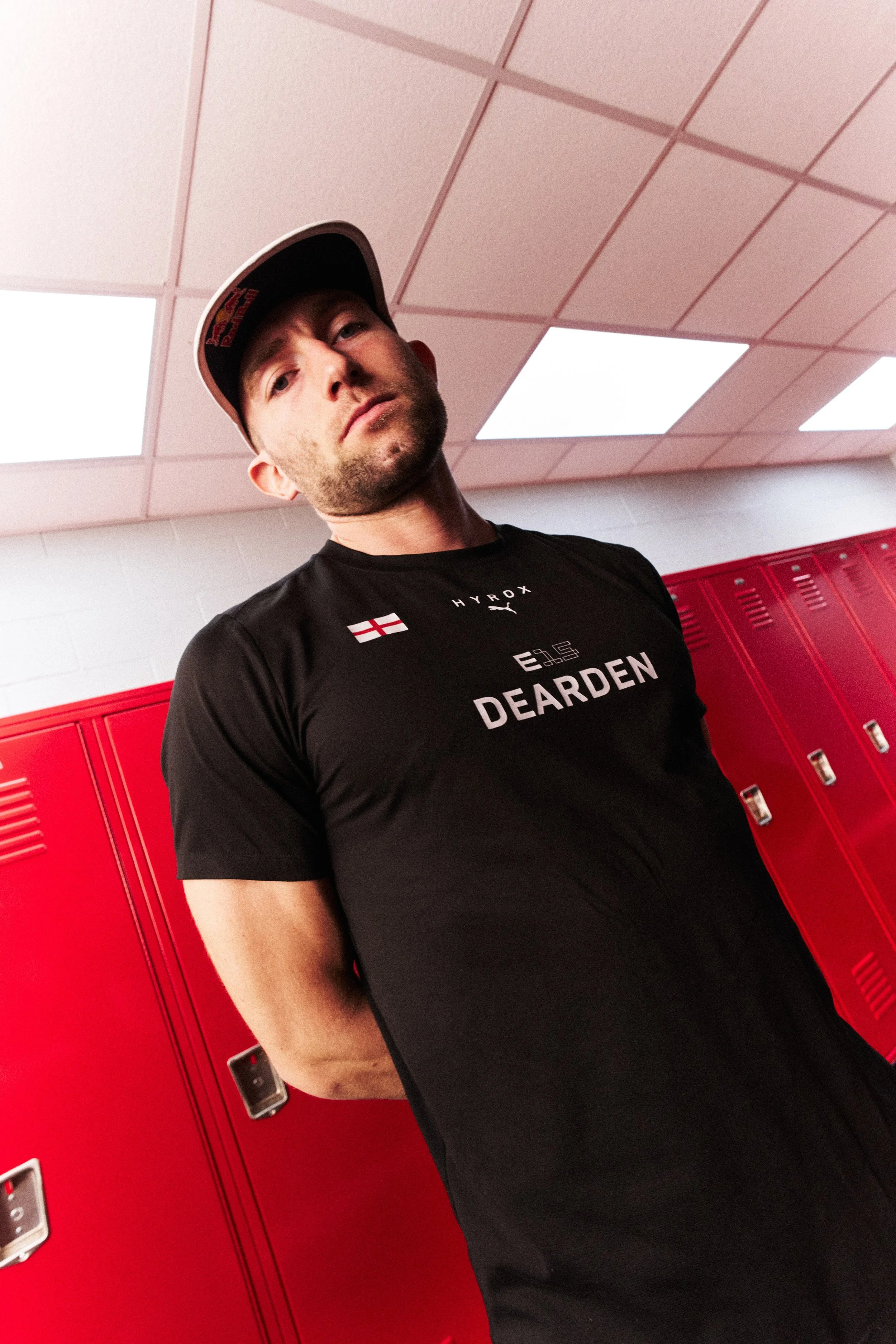
Tips for Shooting on Athlete Media Day
This is a discussion about speed, editing, continuity, transitions, and the overall technical aspects of shooting Media Day portraits. The goal is to build a system that supports the creative ideas you want to implement while still moving fast enough to keep the day running smoothly.
Shooting athletes on Media Day is hectic. Teams are typically large, so you’re working through a lot of athletes. Schedules are tight — sometimes you only have five to ten minutes per athlete.
Because of that, it’s really important that all of your setups are dialed in and consistent across athletes. That consistency saves a huge amount of time in post-production, helps with pushing edits quickly, and reduces errors or issues that might happen on set.
Here are a few things I rely on that help keep these shoots running smoothly.
tethering with Capture one
One of the biggest tools for this type of shoot is Capture One. For me, tethering to a laptop is basically a must.
I tether directly to my laptop and push images to a Samsung SSD that’s connected to the computer. I also use a fairly long tether cable — about 31 feet.
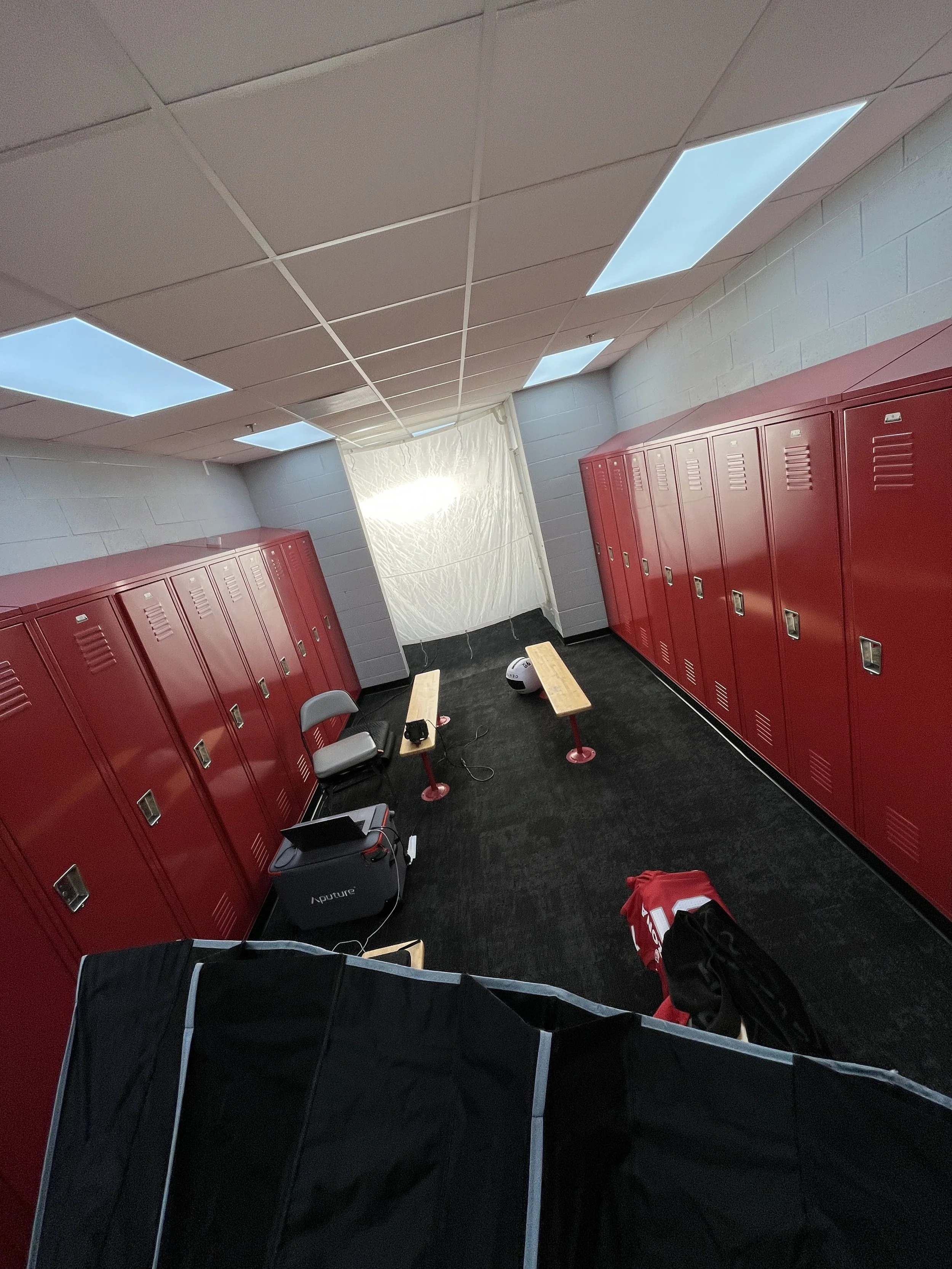
The longer cable just gives us more room to work depending on the size of the scene we’re shooting. I’ll tape the cable to the side of the computer so it’s stable, and then latch it to the bottom of the camera so everything is secure.
With athletes moving through the space, people inevitably step on cables or bump things. Jerseys get tossed on tables, people move quickly through the set, and things can get chaotic. So having a tether setup that’s stable and somewhat foolproof is really important.
have the edit ready before the shoot
I love having the edit done the day before.
We’ll set up the environment, run test shots, and then complete the edit ahead of time. That way when an athlete walks into the session, we can immediately show them what the final images are going to look like.
This is actually a really important step.
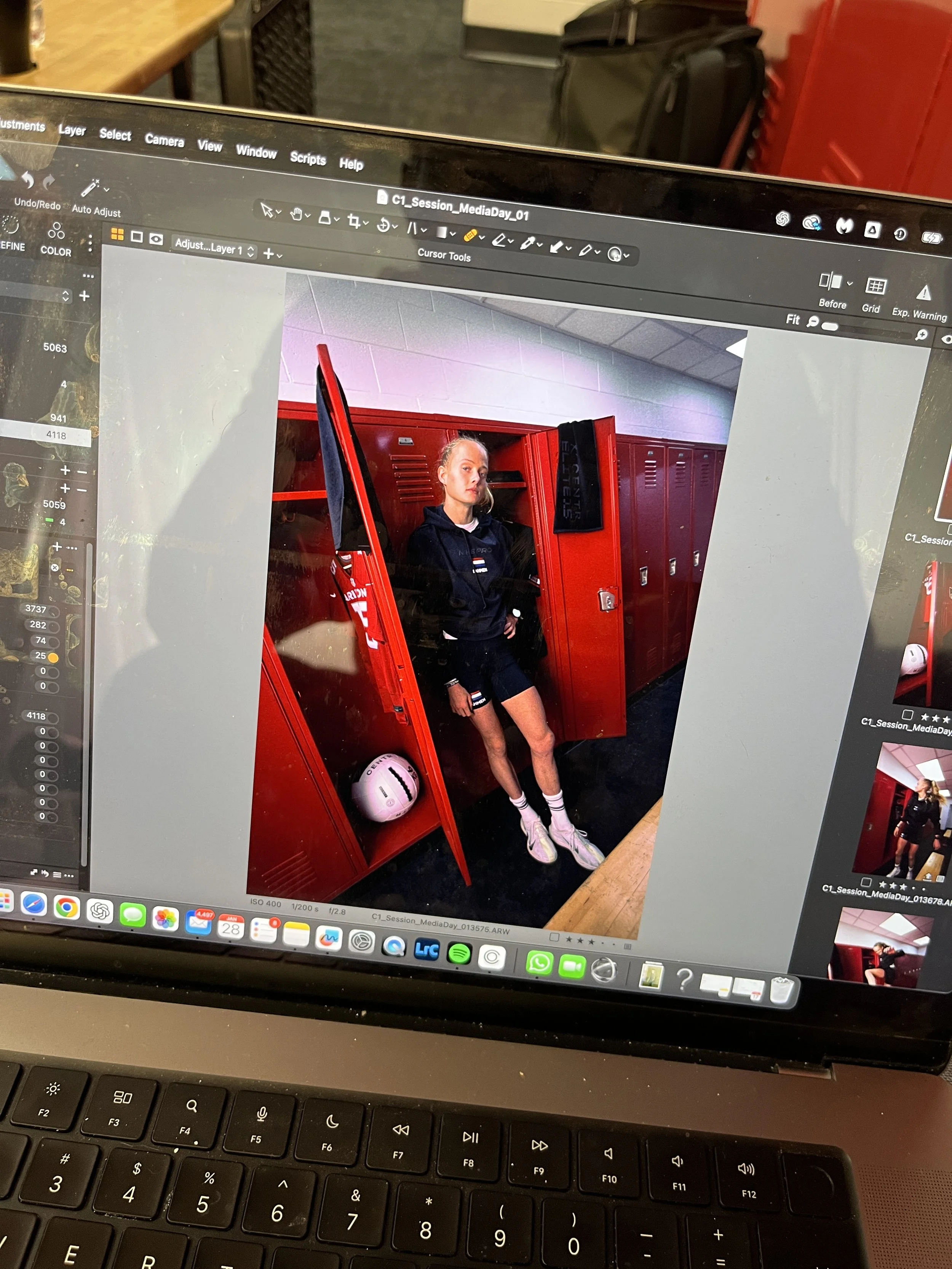
A lot of athletes have gone through multiple media days before — high school, college, minor leagues — and sometimes those experiences weren’t very exciting. The photos might have been pretty basic.
So when you show them a finished example right away, it helps them buy into the concept.
We can show them:
Examples of what we’ve already shot that day
Posing ideas
The general direction of the shoot
From there we can still lean into their personality, but they already understand what we’re trying to accomplish.
Having those reference images ready in Capture One, flagged and easy to pull up, makes this process really quick.
warm introductions help
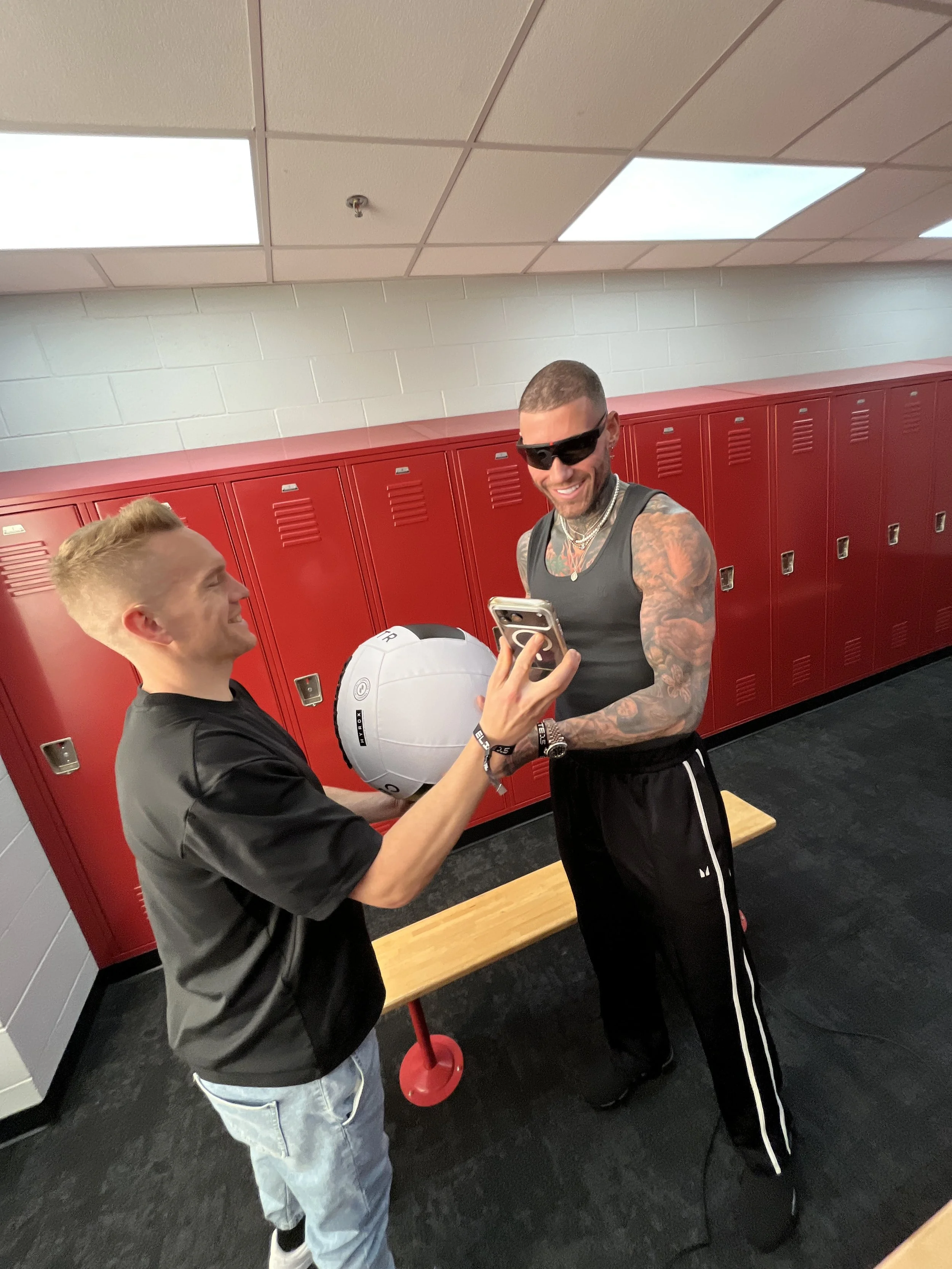
Another small but important thing is having the handlers introduce the athlete when they arrive at the station.
When someone walks them over and says both of your names, it saves time and removes that awkward introduction moment. Maybe there’s a quick bit of conversation, but things are moving quickly.
That warm intro helps get things started immediately.
On that same note, it’s helpful if that handler can also communicate things like:
Where the images will be used
When they’ll be posted
How the athlete might be able to access them later
Athletes often ask the photographer directly for the photos, but we’re usually limited in what we can send out. Typically the images need to go through the team’s main channels first.
So it’s helpful if someone else can communicate that process.
Prep the athletes ahead of time
Any prep that can happen before the athlete arrives is helpful.
That could include things like:
What they should wear
Whether there are posing ideas
What the general concept is for the shoot
Anything that removes uncertainty when they step into the set will help things move faster. I’ve had athletes show up with clothing that isn’t acceptable so we’ve had to make quick adjustments on site.
While apparel preferences may vary for media day, non promoting sponsor logos will most certainly require editing or alteration later so keep any eye out for those.
Exporting quickly during a session
Another thing that helps is having a separate SSD for exports.
Instead of exporting images to the computer first and then uploading them to the cloud, we push the images directly to the SSD from Capture One.
If you’re trying to deliver images the same day or shortly after the shoot, this saves a step.
The way we typically work is:
Create the edit in Capture One
Apply that same edit to the next images
Continuously refine throughout the day
Capture One makes this really easy because you can apply the previous adjustments to the next image.
By pushing the exports directly to the SSD, the social media team can literally grab the drive and start uploading images immediately.
Having support on set
Finally, having support people on set makes a huge difference.
When you’re working with tight schedules and a lot of athletes, the focus really becomes using their time efficiently.
Support crew can help with things like:
Adjusting jerseys or equipment
Moving athletes through stations.
Resetting props or lighting
Keeping the schedule moving
The smoother the environment is, the easier it is for the photographer to stay focused on the creative side of the shoot.
Final thoughts
Media Day shoots are all about speed and consistency.
If your technical setup is dialed in — tethering, editing workflow, athlete prep, and file delivery — it frees you up to focus on the creative part of the job.
And when everything runs smoothly, you can still create portraits that feel intentional and unique, even when you’re only working with each athlete for a few minutes.